
How Do I Factory Reset a Yealink Phone?
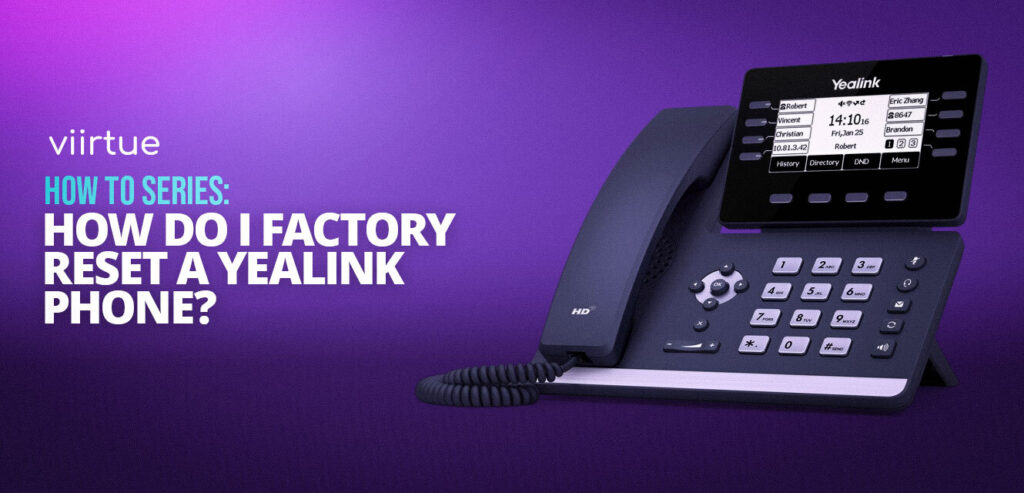
If your desk phone or conference unit is acting up, sometimes the quickest fix is to start fresh. Knowing how to factory reset a Yealink phone ensures you can clear old settings, restore the default password, and get the device back online quickly. Whether you’re troubleshooting a T5 series desk phone, a DECT base, or a CP conference model, this guide walks you through every reset method step by step—so you can get your Yealink device working like new in minutes.